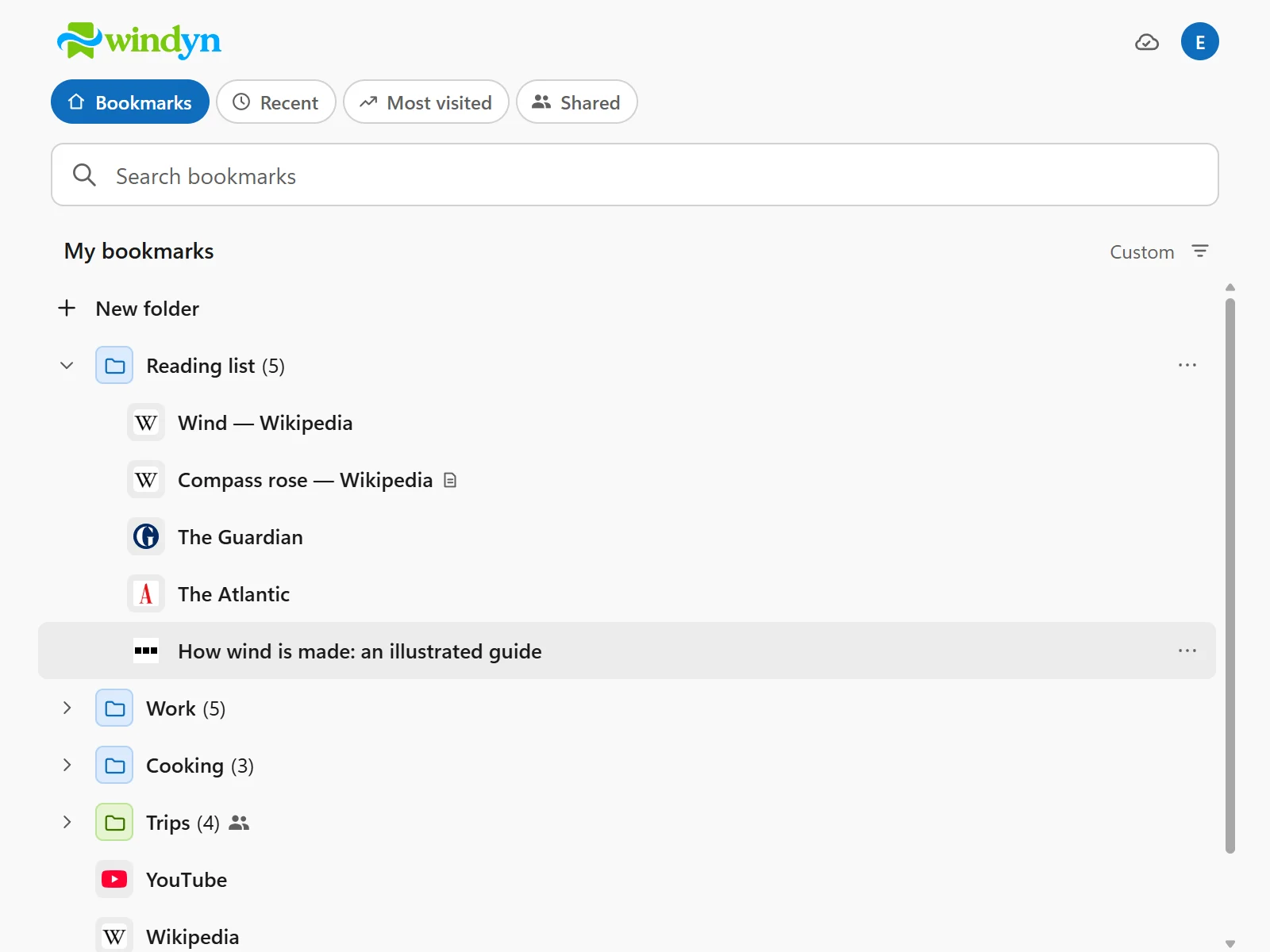
Free browser extension

Your bookmarks, wherever you browse.

Windyn keeps your bookmarks in one place and takes them with you to Chrome, Firefox, Edge and every browser you use. Save in one, find them in all.

  • Free. Every feature, nothing to pay.
  • No account needed. Start as a guest: your bookmarks stay in a folder on your computer.
  • Nothing new to learn. It works like the bookmarks you already know.

For Chrome, Firefox, Edge, Brave, Opera and Vivaldi.

One collection, all your browsers

  • Chrome
  • Firefox
  • Edge
  • Brave
  • Opera
  • Vivaldi
The problem

Chrome at work, Firefox at home, Edge on the laptop. Every browser has its own bookmarks, and none of them has them all.

Windyn brings them together in one collection that follows you everywhere: what you save in one browser is in all the others, in the same folder and in the same order.

Simple

Nothing new to learn.

Windyn works like the bookmarks you’ve always used. If you can use your browser’s bookmarks, you already know how to use Windyn.

Free, no account needed

Install it and start. That’s all.

Windyn is free and works as soon as it’s installed: no email, no password, nothing to pay. If one day you want more, create an account, free as well, and bring your bookmarks along.

As a guest

Free

Choose a folder on your computer and Windyn keeps your bookmarks there. Choose the same folder in your other browsers: the bookmarks are the same.

  • No sign-up, no sign-in
  • Your bookmarks stay on your computer
  • Folders, search, import and export, trash
  • On Chrome, Edge, Opera, Vivaldi and Brave

Firefox doesn’t let extensions open folders: there, Windyn needs an account. On Brave, turn on folder access first: Windyn shows you how.
With an account

Free

Sign up with an email or with Google whenever you like: Windyn offers to copy your guest bookmarks into the account.

  • Sync across computers, Firefox included
  • Shared folders, with people or with a public link
  • Recent and Most visited pages
  • Everything a guest has, too
Features

Everything you need, nothing more.

Windyn does one thing and does it well: it keeps your bookmarks tidy and at hand, whatever browser you are using.

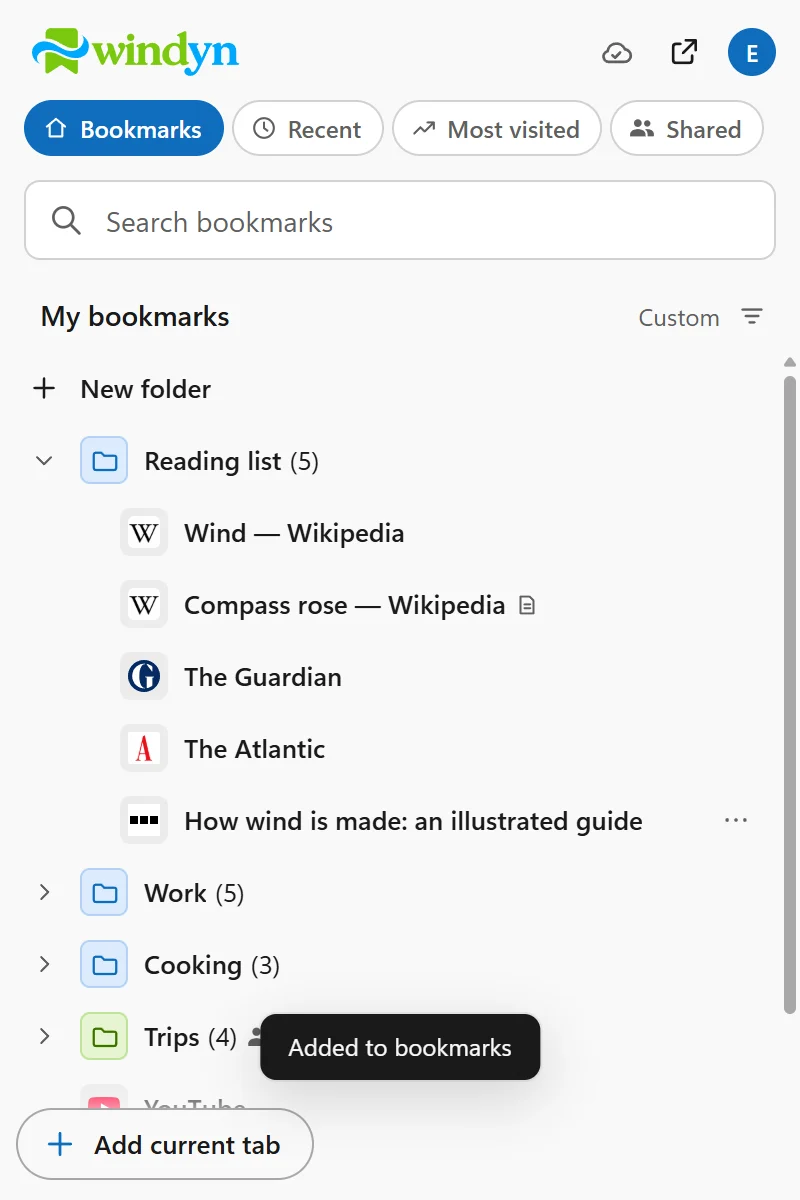
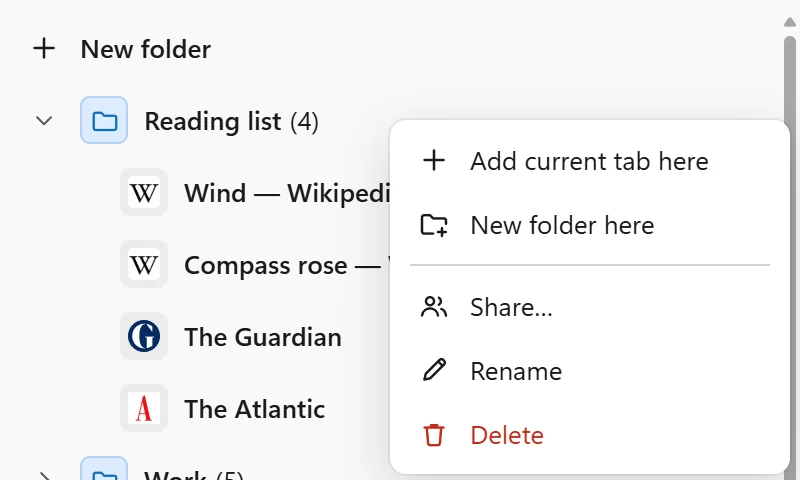
The menu of a folder, with “Add current tab here”

Save in one click

Open Windyn on the page you want to keep and add it straight into the right folder. Or right-click the page and choose “Save to Windyn”.

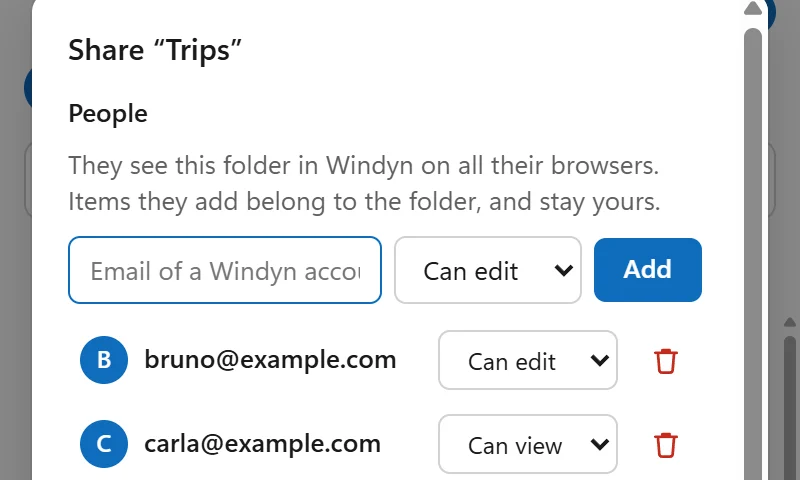
Sharing a folder: people who can edit it, invitation links and a public link
With an account

Share a folder

Invite people to build a folder with you, or let them just look. Or publish it with a read-only link that works without an account. Folders shared with you have their own page in Windyn.

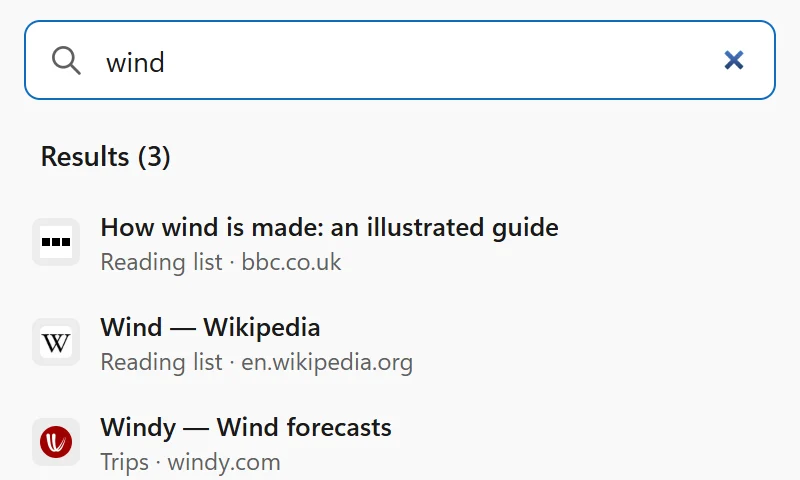
Searching for “wind”: three results, each with its folder

Find anything fast

Search titles, addresses and notes from any browser, and see the folder of every result. Or type “w” and a space in the address bar.

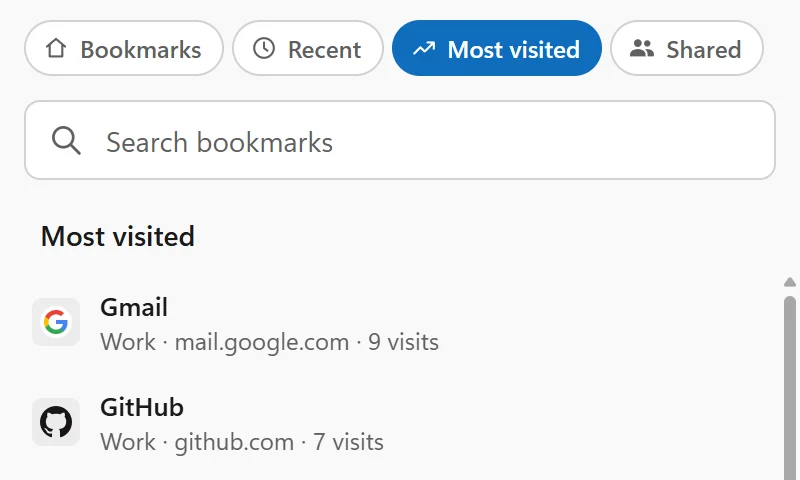
The “Most visited” page, one tap away under the logo
With an account

Your start page

Recent and most visited bookmarks are one tap away under the logo. Drag your favourite to the front and Windyn opens there.

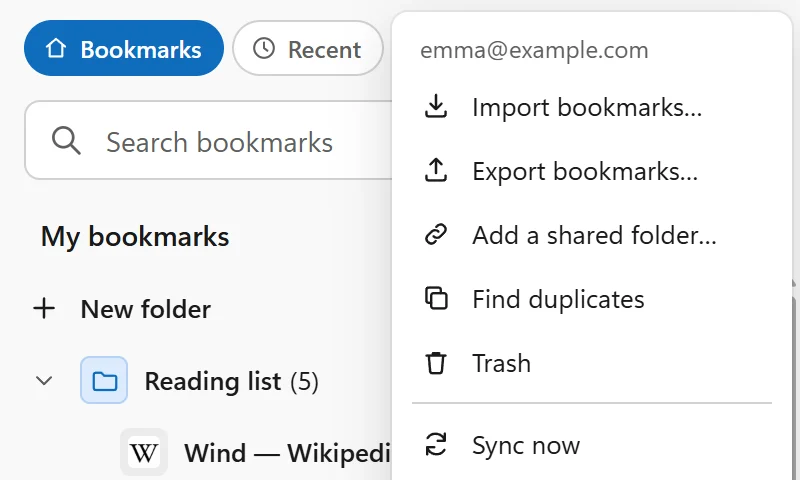
The account menu: import, export, duplicates, trash and sync
With an account

Always in sync, never lost

What you save on Firefox is already on Chrome, Edge and Brave. Deleted something by mistake? Undo it, or restore it from the trash for 30 days.

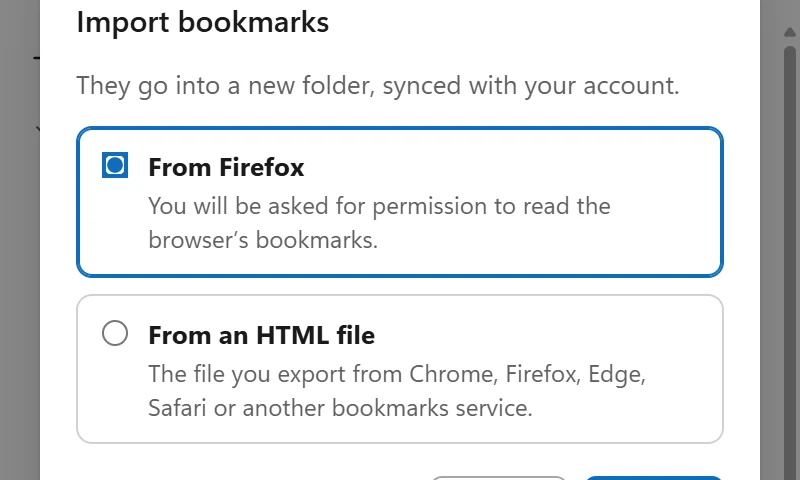
Importing bookmarks from the browser or from an HTML file

Bring the ones you have

Import your browser’s bookmarks, or the file any browser exports, folders included. And export everything, whenever you like.

How it works

Ready in three steps

  1. Install the extension

    Add Windyn to the browser you use most, for free, right from its extension store.

  2. Start as a guest, or sign up

    Choose a folder on your computer and start saving, with no account. Or sign up with an email or with Google. Then import the bookmarks you already have.

  3. Add it to your other browsers

    Install Windyn on your other browsers and choose the same folder, or sign in with the same account: your bookmarks are already there.

Take your bookmarks wherever you browse.

Install Windyn on your first browser: it’s free, and you can start right away without an account.

Get Windyn